
Transform Your Creativity with AI Video Effects Generator
Transform your footage instantly using cutting-edge AI video effects generator. Creating your custom video is simple: Upload, describe, and let AI create magic.


How to Use AI Video Effects Generator?
1. Upload Your Photos
Upload 1-2 clear photos that you'd like. For best results, choose high-quality images with good lighting and clear subjects.
2. Choose Your Effect
Browse through our collection of video effects and select the perfect style for your creation.
3. Let AI Work Its Magic
Click "Generate" and let our advanced AI transform your photos. In just 1-3 minutes, you'll see your still images come to life!
Why Choose AI Video Effects Generator?
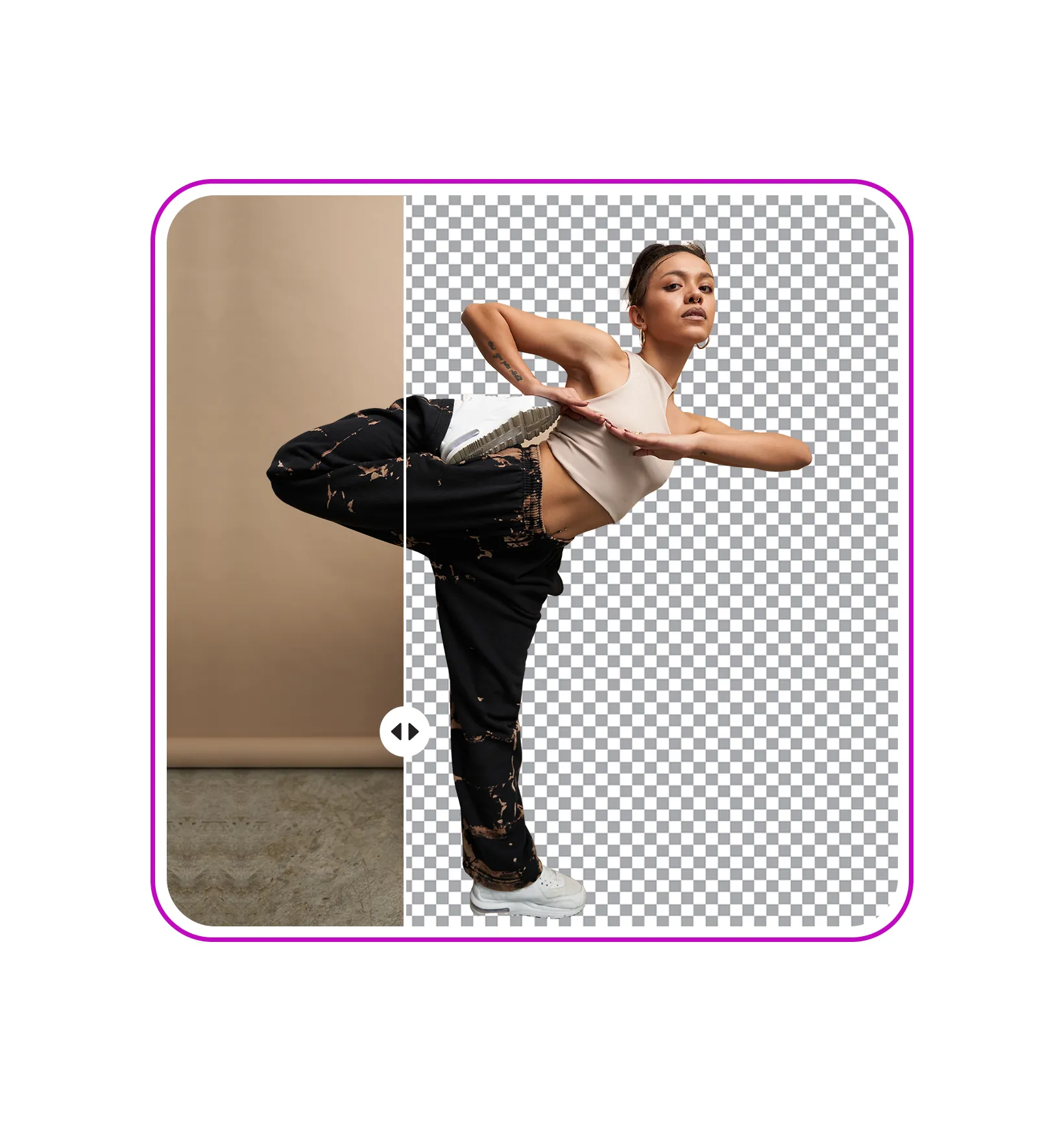
Advanced Style Effects
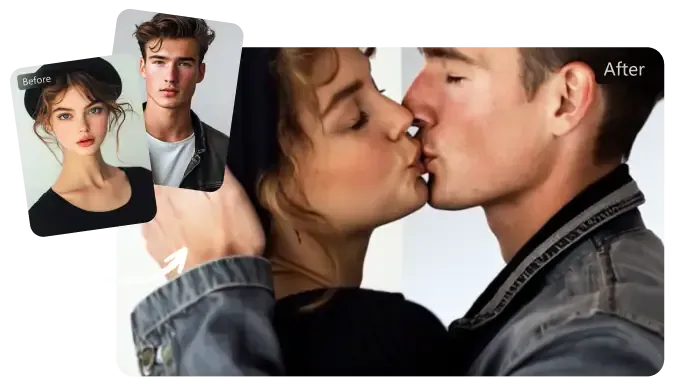
Bring Your Images to Life with AI Emotion Generator
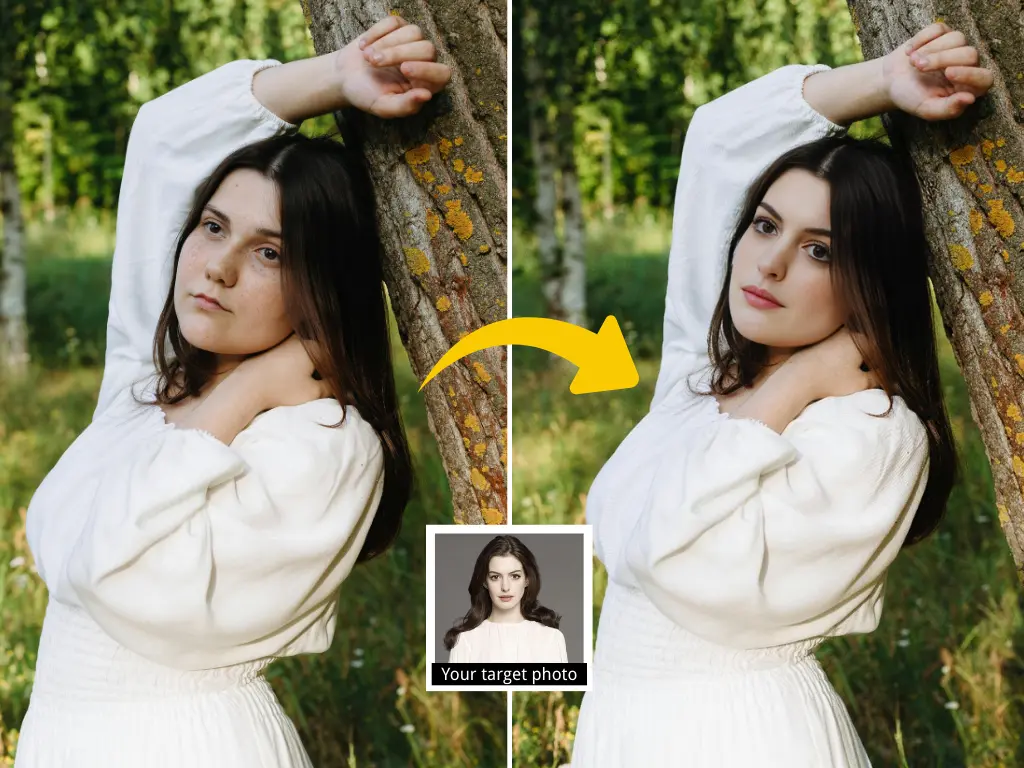
Free AI Hairstyle Changer | Transform Your Look with AI Video Hair Swap
Take Full Control of Your Photos with AI Live Portrait Generator
AI Dressing Changer Online Free | Try On Clothes Instantly with Video AI
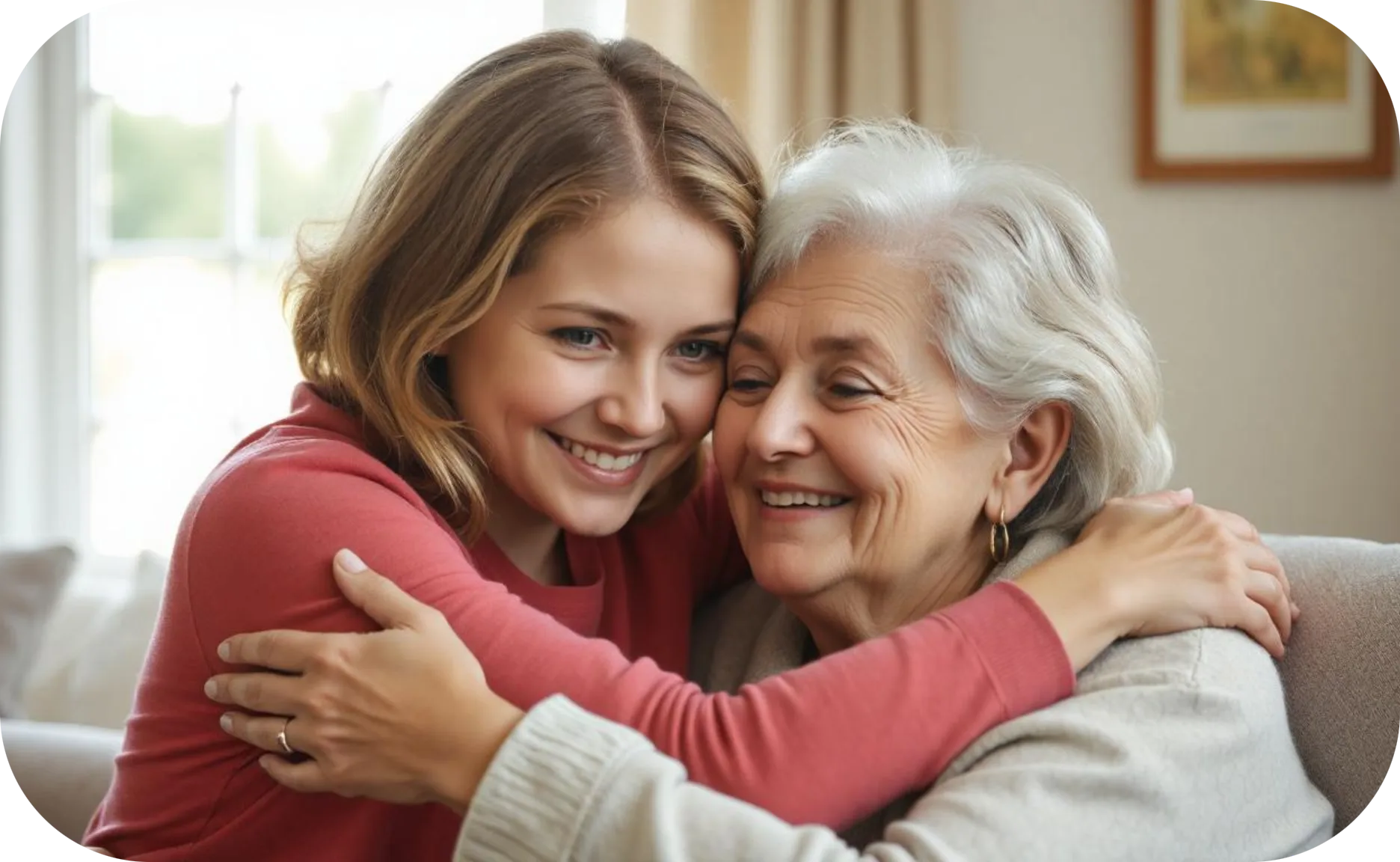
Turn Still Images into Animated Videos with AI
Create artistic videos with AI from a photo
Customer Reviews
As a professional photographer, I was skeptical about AI video transformations, but this tool exceeded my expectations. I used it to animate my still portraits, and the results were stunning. The anime effect, in particular, preserves the emotional essence of my original photos while adding a magical dynamic element. Perfect for my social media marketing!
—— Emily S. Professional Photographer
This is a game-changer for content creators. I've experimented with various AI tools, but this one stands out for its balance of simplicity and effectiveness. The prompt system is incredibly intuitive - when I requested a "Van Gogh starry night animation style" for my landscape photo, the result captured that swirling, dreamlike quality perfectly. Worth every penny of my subscription.
—— Marcus Chen Digital Artist
Running a small jewelry boutique, I needed engaging content for our Instagram without breaking the bank on video production. This tool transformed our product photos into eye-catching animations that have significantly increased our engagement. The 3-minute processing time is a lifesaver during busy workdays. Only giving 4 stars because I wish there were more jewelry-specific effects.
—— David Miller Wedding Videographer
I use this tool to create magical previews for my clients. The ability to turn key wedding photos into animated snippets has become a unique selling point for my business. The cartoon effect adds a romantic, fairy-tale quality that my couples absolutely love. The quick processing time means I can even create previews during the reception!
—— Lisa Wong Art Teacher
I've incorporated this tool into my virtual art classes to demonstrate different artistic styles to my students. The variety of effects helps illustrate how one image can be interpreted in multiple ways. The prompt system is also teaching my students to be more specific in describing artistic styles. An unexpected but fantastic educational resource!
—— Robert Thompson Marketing Director
As a marketing professional, I've found this tool to be incredibly useful for creating engaging social media content. It's fast, reliable, and offers a wide range of effects that make my campaigns stand out.