

Create Like a Pro with Veo 2: AI Video Generator at Your Fingertips
Bring your ideas to life with Veo 2 video generator, which turns text and images into high-quality, cinematic videos. Perfect for creators, marketers, and businesses, it offers advanced controls, 4K resolution, and seamless integration across platforms.


How to Use Veo 2 Video Generator
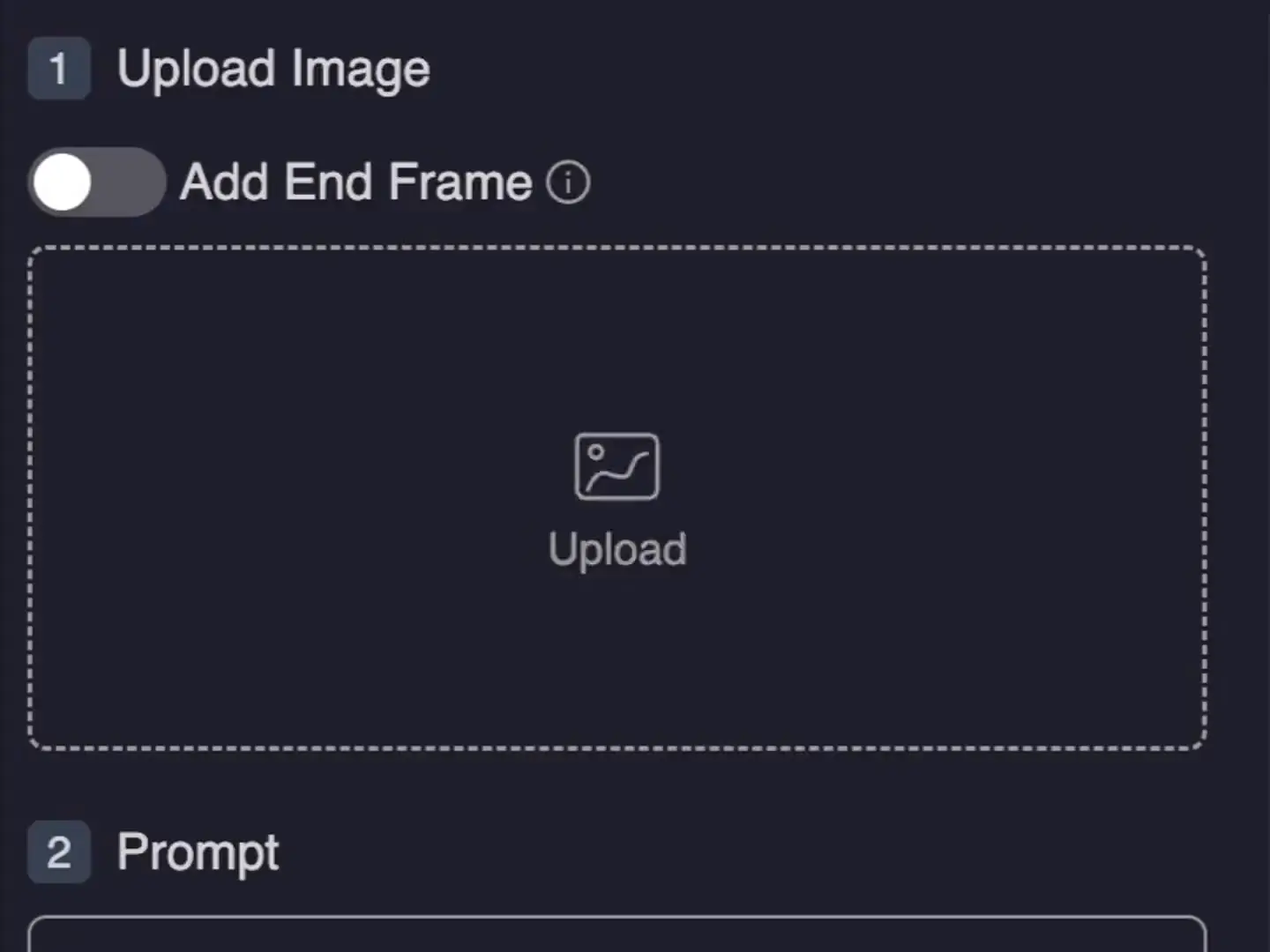
1. Upload Your Text or Images
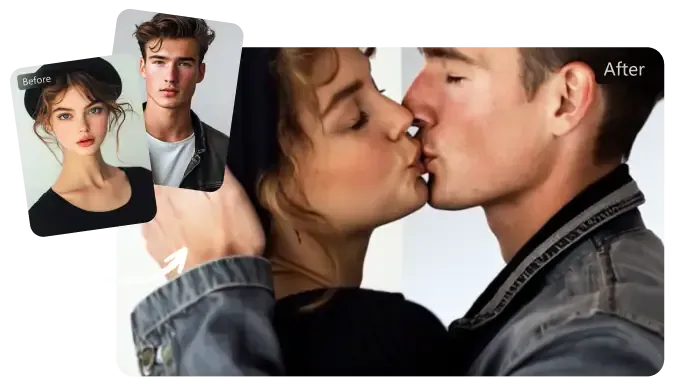
Upload your text descriptions or still images to the Veo 2 video generator. This powerful tool will transform your inputs into high-quality, cinematic videos with exceptional realism.
2. Customize Your Video
Utilize the advanced controls of the Veo 2 video generator to customize your video. Choose from a variety of shot types, lens choices, and visual effects to achieve the desired look.
3. Generate and Download Your Video
Generate your video in up to 4K resolution using the Veo 2 video generator. Once your video is ready, download it and share it across your preferred platforms.
Features of Veo 2 Video Generator
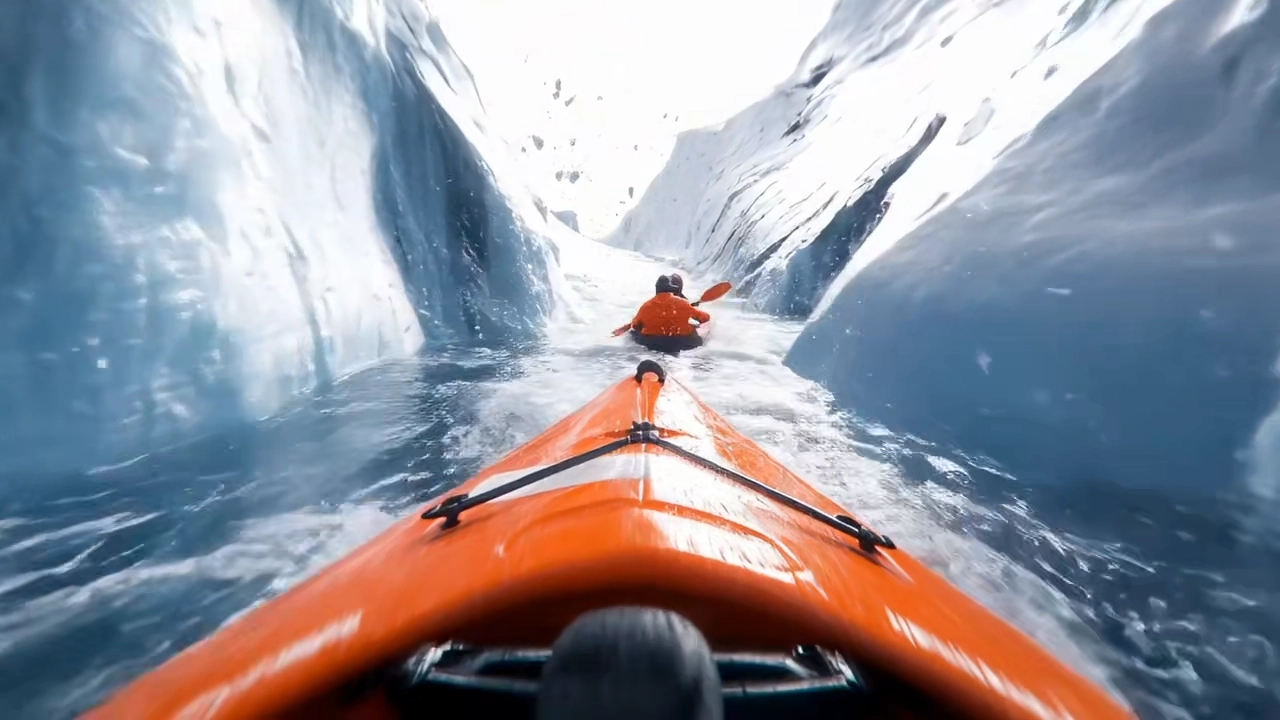
Cinematic Excellence
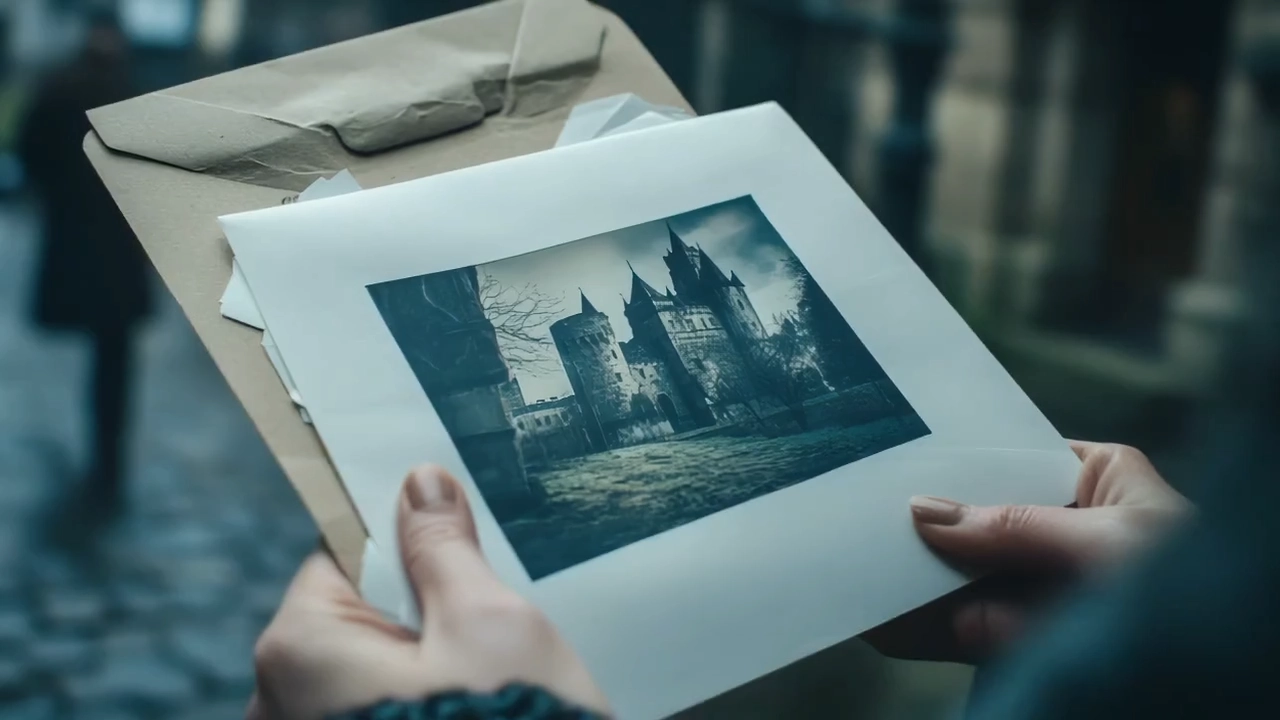
Lifelike Realism

Platform Optimization
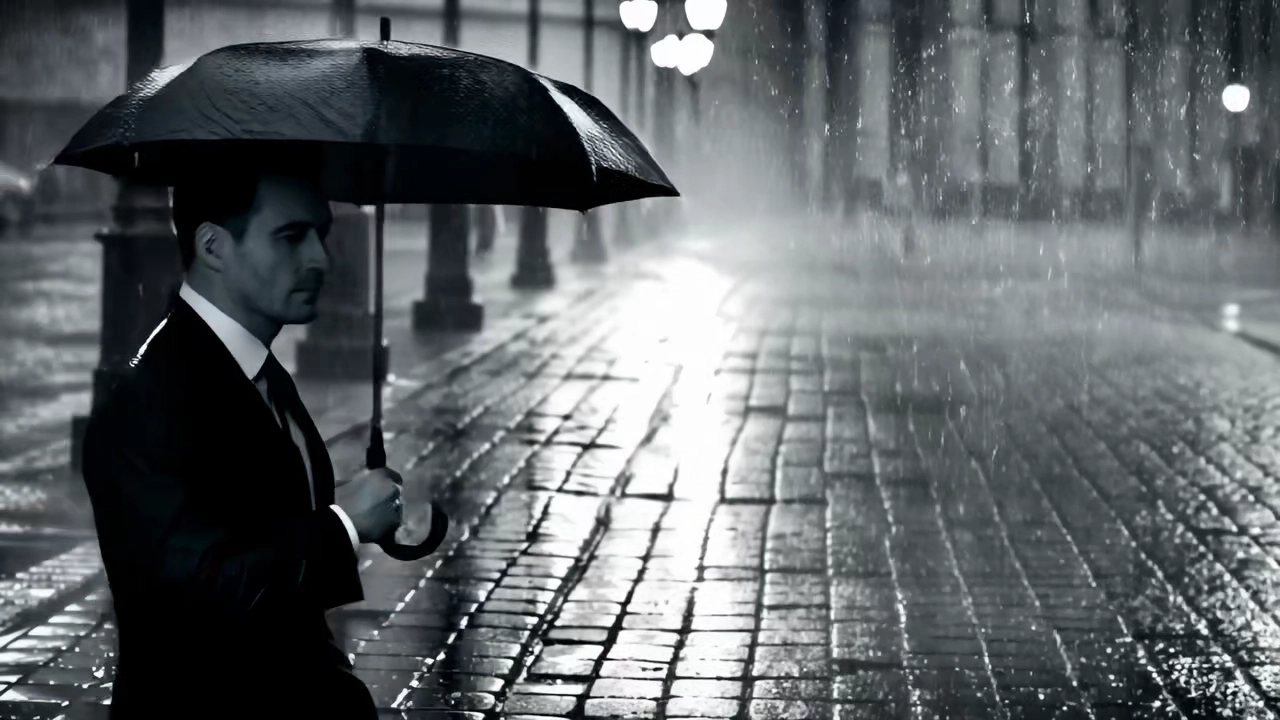
AI-Enhanced Creativity
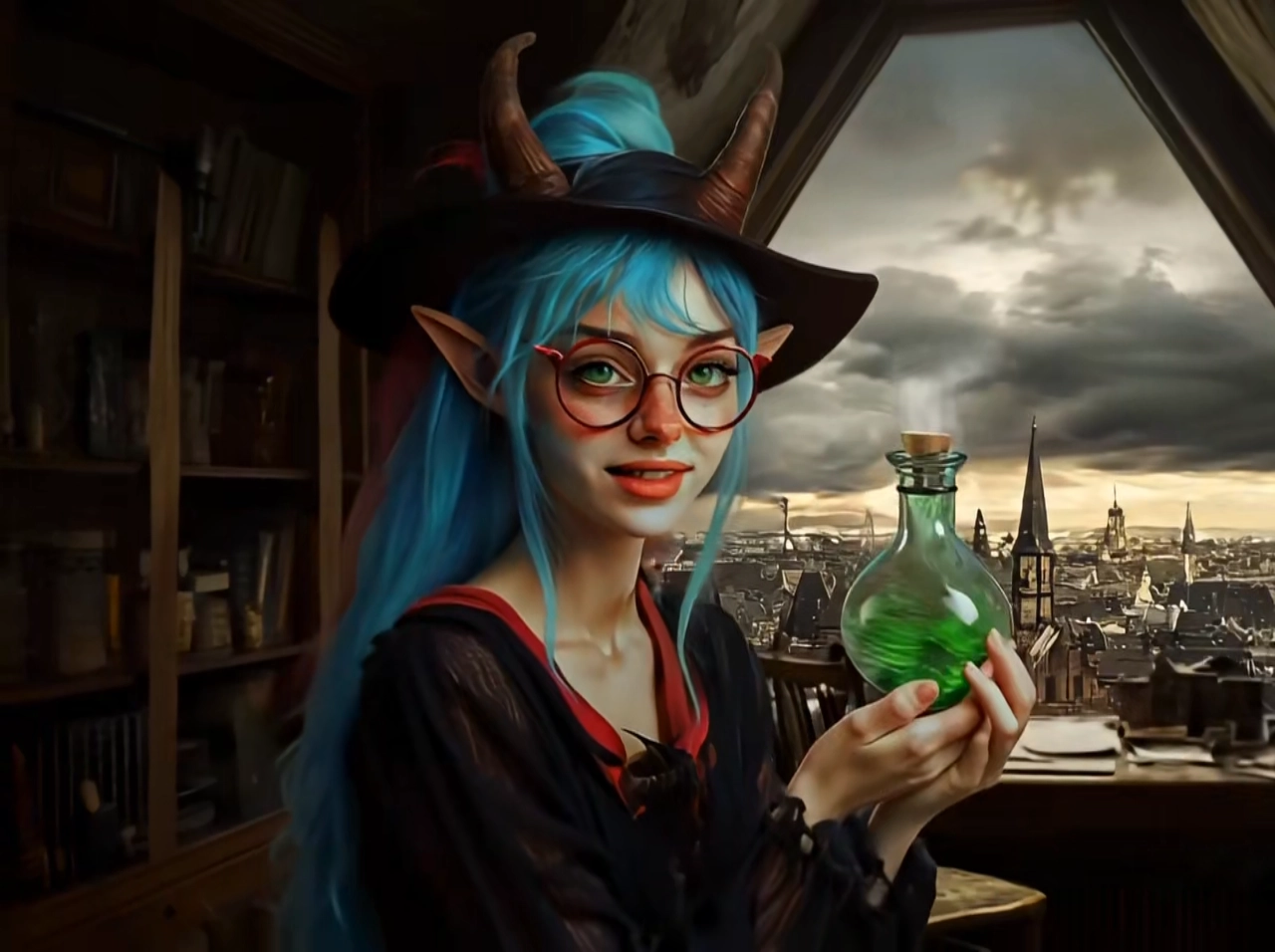
Seamless Scene Transitions
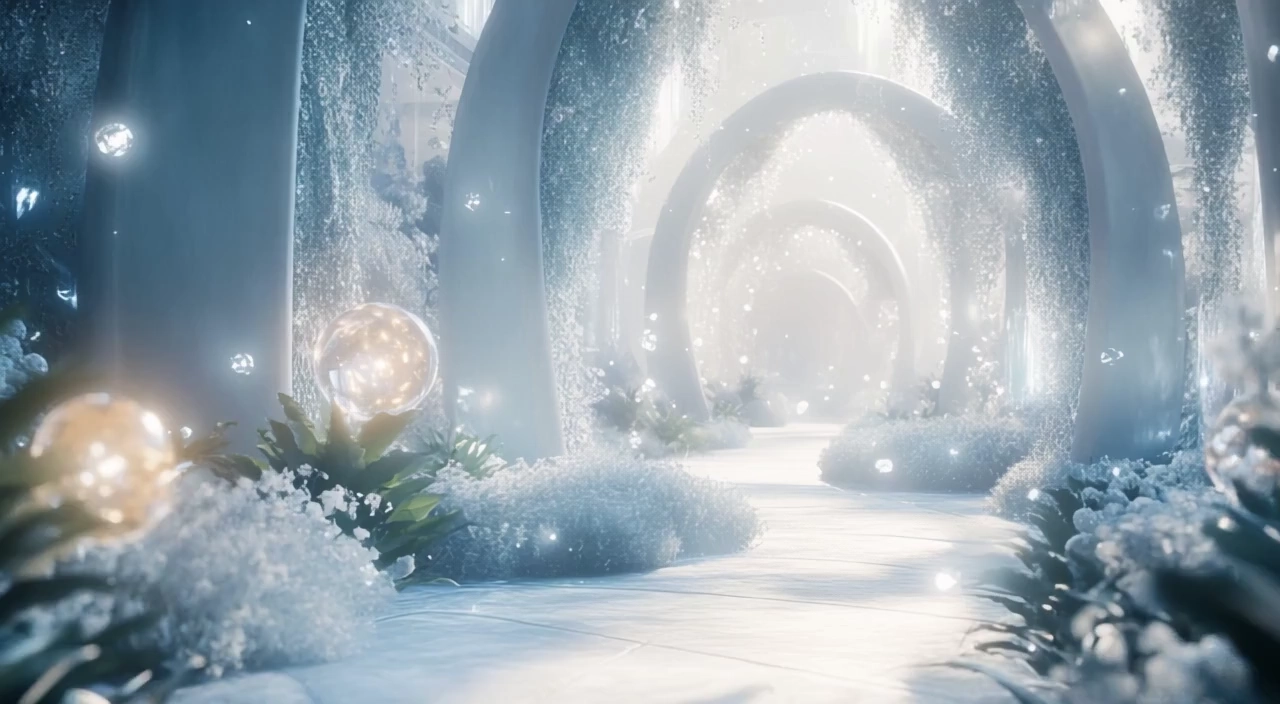
Artifact-Free Videos
Discover More AI Tools

Veo 2 Video Generator FAQs
What is Veo 2 video generator?
Is Veo 2 video generator content watermarked?
How much does Veo 2 video generator cost?
How does Veo 2 image to video handle copyrighted content?
How do content creators benefit from Veo 2 video generator?
What advantages does Veo 2 video generator offer?
Revolutionize Your Content NOW with Veo 2 Video Generator!
Tired of outdated video tools? Join thousands using Veo 2 video generator to turn text and images into cinematic masterpieces. Create your first 4K video in minutes with Google Veo AI. Unleash your creativity now!
Create with Veo 2 video generator